
Why MikroTik Is Perfect for Networking Beginners
If you’re new to networking or just starting your journey as a network engineer, one big question always comes up:
“What should I learn first?”
There are many networking brands out there, but one name keeps showing up again and again — MikroTik.
And honestly? There are very good reasons for that.
In this post, I’ll explain why MikroTik is highly recommended for networking starters, from features and licensing to hardware and virtual labs.
Why Beginners Should Start with MikroTik
MikroTik is a networking company best known for RouterOS, a full-featured router operating system.
What makes RouterOS special is its flexibility. You can run it on:
- MikroTik hardware
- x86 systems (build your own router)
- Virtual machines (CHR)
For beginners, this is powerful. You’re not learning a “toy router” or simplified system.
You’re learning real networking concepts — how routing, firewalling, and traffic control actually work in the real world.
Enterprise-Level Features at a Beginner Price
Even though MikroTik devices are very affordable, the features are seriously powerful.
With MikroTik, you can learn and practice:
- BGP
- OSPF
- Firewall rules
- NAT
- QoS
- VLAN
These are the same core concepts used on enterprise routers from vendors like Cisco or Juniper.
So when you learn MikroTik, you’re not wasting time.
You’re building networking knowledge that transfers easily to other platforms later.
Licensing That Beginners Will Love (No Subscriptions!)
This is one of the biggest reasons people love MikroTik.
NO subscriptions.
NO monthly fees.
NO hidden paywalls.
I LOVE THIS SH*T.
If you’re just learning, you don’t even need to buy hardware or licenses.
Free License = Real Features
Using MikroTik CHR (Cloud Hosted Router), you can start with a free license and still access:
- BGP
- Firewall
- Routing protocols
The only real limitation is bandwidth, capped at 1 Mbps per interface.
For labs and learning? That’s more than enough.
License Levels Explained (Simple Version)
From RouterOS Level 4 to Level 6, features are not locked.
- BGP? Available
- Firewall? Available
- Routing? Available
The difference between license levels is about scale and user limits, not capability.
And here’s the best part:
Even the cheapest MikroTik routers already include a Level 4 license.
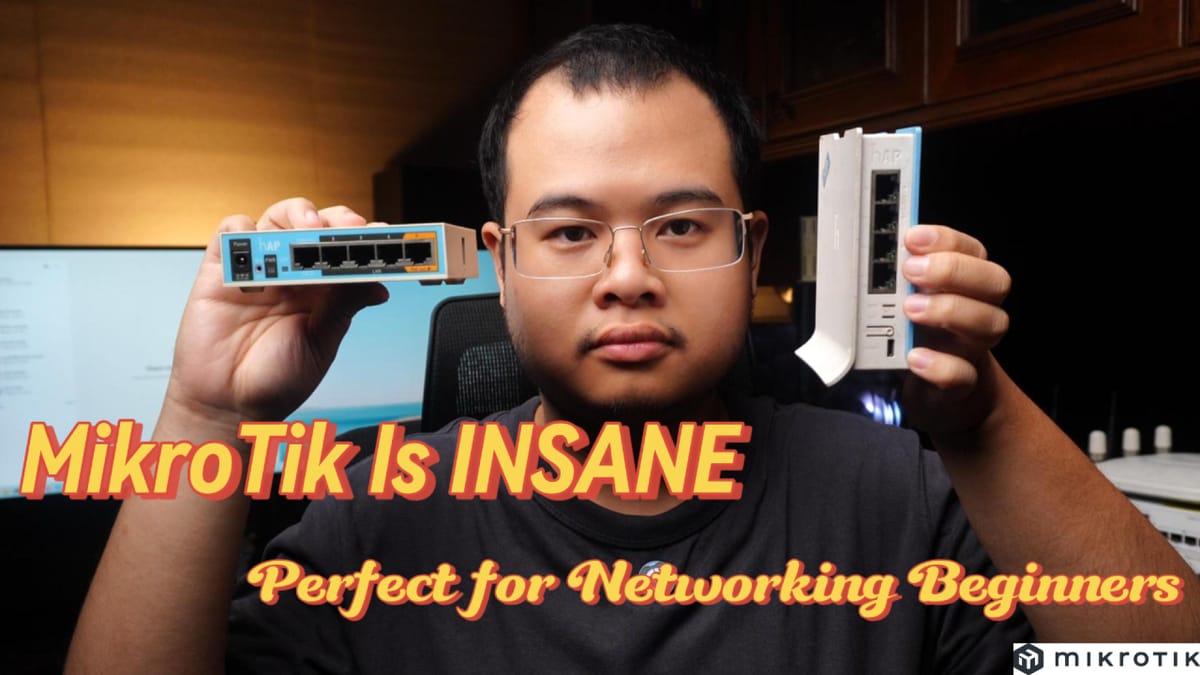
Beginner Hardware Recommendation: hAP lite TC
If you want physical hardware to practice with, the MikroTik hAP lite TC is a great starting point.
Why this router?
- Very affordable
- Includes RouterOS Level 4 license (no feature limitations)
- Built-in Wi-Fi, so you can learn routing and wireless basics
It’s perfect for:
- Home labs
- Basic routing
- Firewall practice
- Understanding how MikroTik works in real life
Don’t Want Hardware? Use MikroTik CHR
If you don’t want to buy physical hardware, that’s totally fine.
You can use MikroTik CHR (Cloud Hosted Router), which runs as a virtual machine on:
- VirtualBox
- VMware
- Proxmox
- Cloud platforms
With CHR, you can:
- Build full lab topologies
- Practice BGP and routing
- Test firewall rules
- Design real-world network scenarios
All without spending money.
Just remember:
The free license is limited to 1 Mbps per interface, but all features are fully available.
Final Thoughts
MikroTik is recommended for networking beginners because it offers:
- Real enterprise networking features
- Affordable hardware
- Powerful virtual lab options
- No subscriptions or paywalls
- A smooth learning path from beginner to advanced
If you’re serious about learning networking fundamentals, MikroTik is one of the best places to start.